
Squarespace Alternative with a Freehand Canvas
Philipp Gladsome with the Leica M EV1
21 Oct 2026
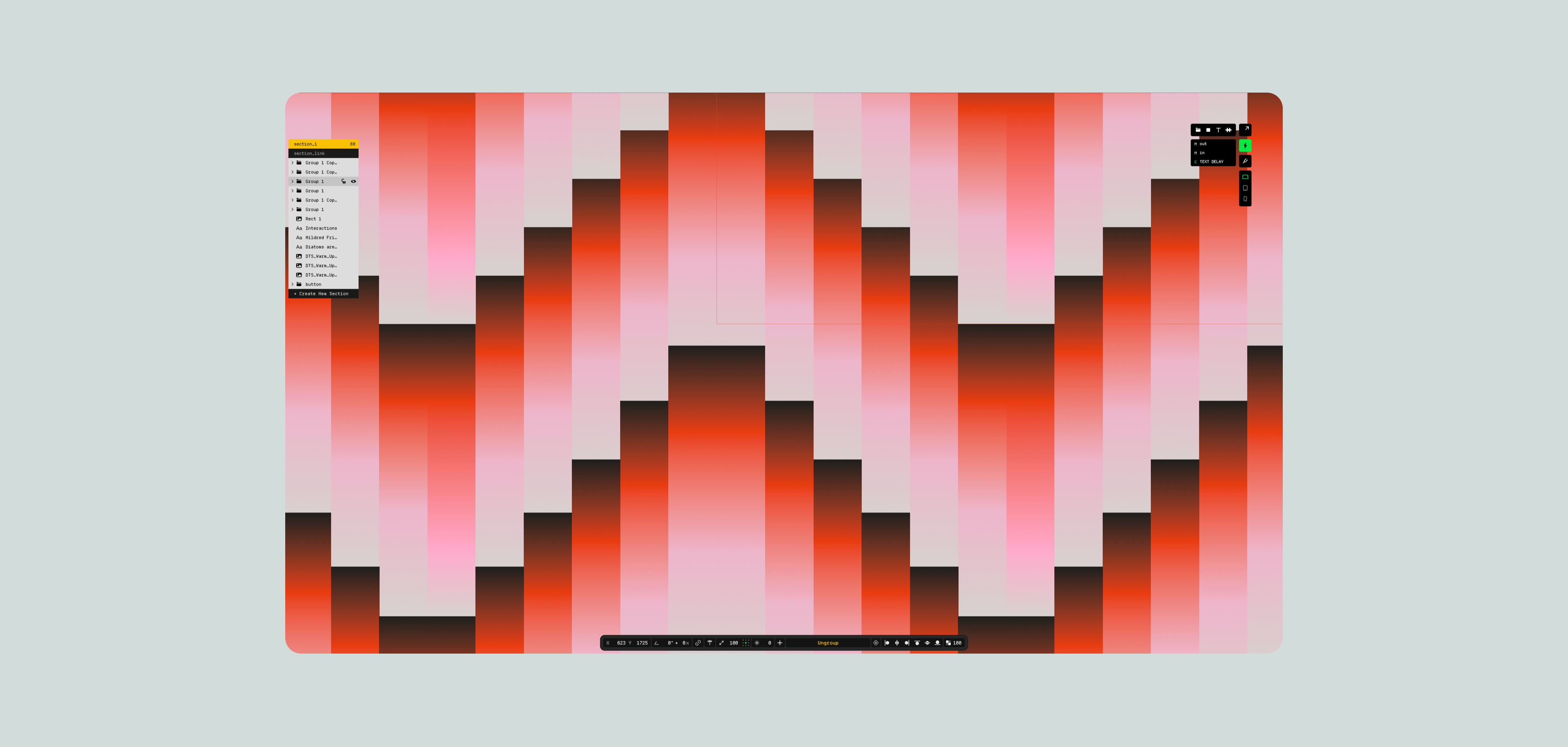
Every website builder promises you can make a site without code. The more useful question is: what kind of site are you making?
If you run a bakery, a yoga studio or a small online shop, you probably want things to just work. A good-looking template, a checkout, a booking form, live by Friday. That's Squarespace's home turf.
If you're a designer, a studio or a creative brand, a "good-looking template" might be exactly what you're trying to escape. You want that headline right there, overlapping that image, gliding in as someone scrolls. That's what Control was built for.
Squarespace is your pick if you:
| run a small business, service or online store and want payments, bookings, email marketing and hosting under one roof
are happy to start from a template and tweak the colors, fonts and content
want to go live this afternoon with as little design work as possible
|
|---|---|
Control is your pick if you:
| are a designer, studio, photographer or creative brand
want to place, layer and animate anything, anywhere, on an open canvas
need a CMS and interactive components for portfolios or editorial content, with room to grow into custom code
|
Still on the fence? Let's put them side by side, from typography and animation all the way to pricing and backups.
Core Differences
Control
| Squarespace
|
|---|---|
A browser-based freehand website builder focused on building responsive, fully custom portfolio or product sites, usually associated with modern approaches to web design.
| A browser-based, all-in-one website builder built around designer templates, with hosting, ecommerce, scheduling and marketing tools included. Popular with small businesses, online stores and service providers.
|
Layout & Structure
Control
| Squarespace
|
|---|---|
A browser-based freehand website builder focused on building responsive, fully custom portfolio or product sites, usually associated with modern approaches to web design.
| A browser-based, all-in-one website builder built around designer templates, with hosting, ecommerce, scheduling and marketing tools included. Popular with small businesses, online stores and service providers.
|
Design Features
Control
| Squarespace
| |
|---|---|---|
Typography
| Advanced typography controls including Kerning, Leading, Letter Spacing Word Spacing, etc. Has a cool intuitive kerning adjustment tool.
| Several text styles with font size, line height and letter spacing controls. No kerning or word spacing controls without custom CSS.
|
Grid & Snapping
| Control supports smart snapping among all elements, including gap snapping, to keep layouts clean and balanced.
| Blocks snap to a column grid. Placement is limited to grid cells rather than free positioning.
|
Color
| RGB and OKLCH. Has a built-in eyedropper tool.
| Color picker with HEX values and a site-wide palette applied through section color themes. No OKLCH support.
|
Layers and Sections
| Control lets you split your pages into distinct, structured sections for easy anchoring, organizing, and customizing.
| Pages are made of stacked sections, but each section is its own grid: blocks can't extend across sections, and layering is limited to overlapping blocks inside one section.
|
Shader Effects
| Control allows you to build and animate custom shader effects.
| None
|
Animations and Interactivity
Control
| Squarespace
| |
|---|---|---|
Overview
| Freehand keyframe-style animations, custom interactions, hovers and a library of pre-made interactive components. Allows for various types of embeds cross-media (Lottie, Spline, Vimeo, Youtube, Custom Code, etc).
| Site-wide entrance animations, preset hover effects, parallax on section background images and a scrolling text block. Embeds for YouTube, Vimeo.
|
Animations
| Keyframe-animations, working with both element properties and shader effects.
| One site-wide animation style (such as fade, scale or slide) applied to content as it scrolls into view. No per-element keyframes or animation timelines.
|
Interactions
| Has a built-in Interactions Composer. All elements on the canvas can be animated, from movement and scaling to color and shape. Interactions can be triggered by click or hover as well as by element’s position on the screen.
| No built-in interaction builder. Custom click- or scroll-triggered interactions (that require plugins such as SquareKicker or Spark Plugin or custom JavaScript) are only available from the Core plan up.
|
Components
| Control gives you fully customizable interactive components. You get a proper hamburger navigation menu and easily customizable premade photo galleries right out of the box.
| Content blocks (text, image, button, form, accordion, video, shapes and more) and ready-made section layouts for galleries, lists and carousels.
|
Scalability & Content Management
Control
| Squarespace
| |
|---|---|---|
CMS
| Has a built-in CMS for portfolios, blogging, news and other types of editorial content.
| Has a built-in CMS for blogs, portfolios, events, products, courses and member content. Each content type comes with its own predefined layouts and fields.
|
Ability to scale
| Control provides a next.js template and SDK that allows to scale it into a full custom coded environment. More info here.
| No code export. Squarespace's Developer Platform isn't supported on version 7.1, so customization stops at custom CSS, code blocks and code injection. JavaScript and code injection require the Core plan or higher.
|
Starting Value
Control
| Squarespace
|
|---|---|
Control allows for a fully-working website to be published for 30 days as part of the free trial.
No feature limitations on the free plan. Alongside the editor you’re getting access to a free template library, free components library, built-in Shader effects library and other features as well as direct online help channels.
| 14-day free trial with no credit card required. There is no free plan: to keep the site after the trial, you need a paid subscription.
You can only create one site, that stays private during the trial period, shareable only with a password. It’s not indexed too.
Free domain only after buying an annual plan. After the trial period the site goes offline and its content is marked for deletion.
|
Starter Plans Comparison
Control
| Squarespace
| |
|---|---|---|
Pricing
| Paid plan starts at $19/m and includes unlimited pages, unlimited projects, ability to add custom domain(s) to 1 project, 10GB storage, 30 GB of bandwidth, 10 collaborators and a full access to the shader and component libraries.
| Basic plan starts at $25/m billed monthly) and includes 1 website, a free custom domain for the first year, unlimited bandwidth, 2 contributors and 30 minutes of video hosting.
|
Custom fonts
| Yes
| Yes
|
Password-protection
| Yes
| Yes
|
Video upload limits
| Up to 60Mb per file
| Up to 500 MB per file, with 30 minutes of total hosted video.
|
Collaborators
| Up to 10
| 2
|
Backups
| Autosave with the ability to restore your project to the last published version
| Undo while editing and a 30-day trash for deleted pages. No built-in version history or site backups
|
The Verdict
Choose Squarespace if your website is mainly a tool for running a business: taking orders, booking clients, sending newsletters. Its templates and built-in commerce get you there with very little design work.
Choose Control if your website is the work itself: a portfolio, a studio site, a launch page or an editorial project where layout, typography and motion carry the brand. You design on a freehand canvas, add interactive components and shader effects, and manage content in a built-in CMS, without bending a template to fit.
Moving from Squarespace to Control
Already on Squarespace and feeling boxed in by the grid? Switching doesn't mean starting from a blank screen. Begin with a template or the components library, bring over your content and images, and then take the design wherever you want it to go.